

Top Test Management Tools with Monkey Testing
Intro
Software teams shipping at break-neck speed can’t babysit every click, swipe, or typo their users dream up. That’s why monkey testing process management tools are the go-to sidekicks for wrangling “what-if” chaos before prod blows up.
By plugging smart monkey testing automation tools into your pipeline, you unleash a horde of virtual primates that hammer your UI with random inputs, reenact the infinite monkey theorem, and surface edge-case crashes no scripted test ever imagined. From brilliant monkey testing that pinpoints flaky flows to full-blown stress testing and even deep-dive gorilla testing, enhancing the overall user experience, every surprise is fair game.
Pair that madness with chaos monkey test management dashboards from platforms like Testomat.io and you’ll watch failures pop in real time—then squash ’em before users rage-tweet. Need a quick refresher on the method? Check our primer on monkey testing.
Next up: a side-by-side breakdown of six killer suites, complete with GIF-ready screenshots.
Quick-scan Comparison Table
| Tool | Best for | CI/CD hook | Random events slider | Price from* |
| Testomat.io | Chaos tests in pipelines & full-cycle testing process oversight | ✔️ | 0 – 10 K | free |
| aqua cloud | Enterprise performance testing & analytics | ✔️ | 0 – 5 K | $35 / user / mo |
| Qase | Lean regression testing suites for fast releases | ✔️ | 0 – 3 K | $20 / user / mo |
| TestRail | High-volume test case management at scale | script/API | 0 – 2 K | $39 / user / mo |
| Zephyr Scale | Jira-native performance testing dashboards | add-on | 0 – 2 K | $10 / user / mo |
| PractiTest | End-to-end visibility across test results & testing process | webhooks | 0 – 1 K | $29 / user / mo |
*Public list prices; vendors run promos, so check sites for deals.
1. Testomat.io
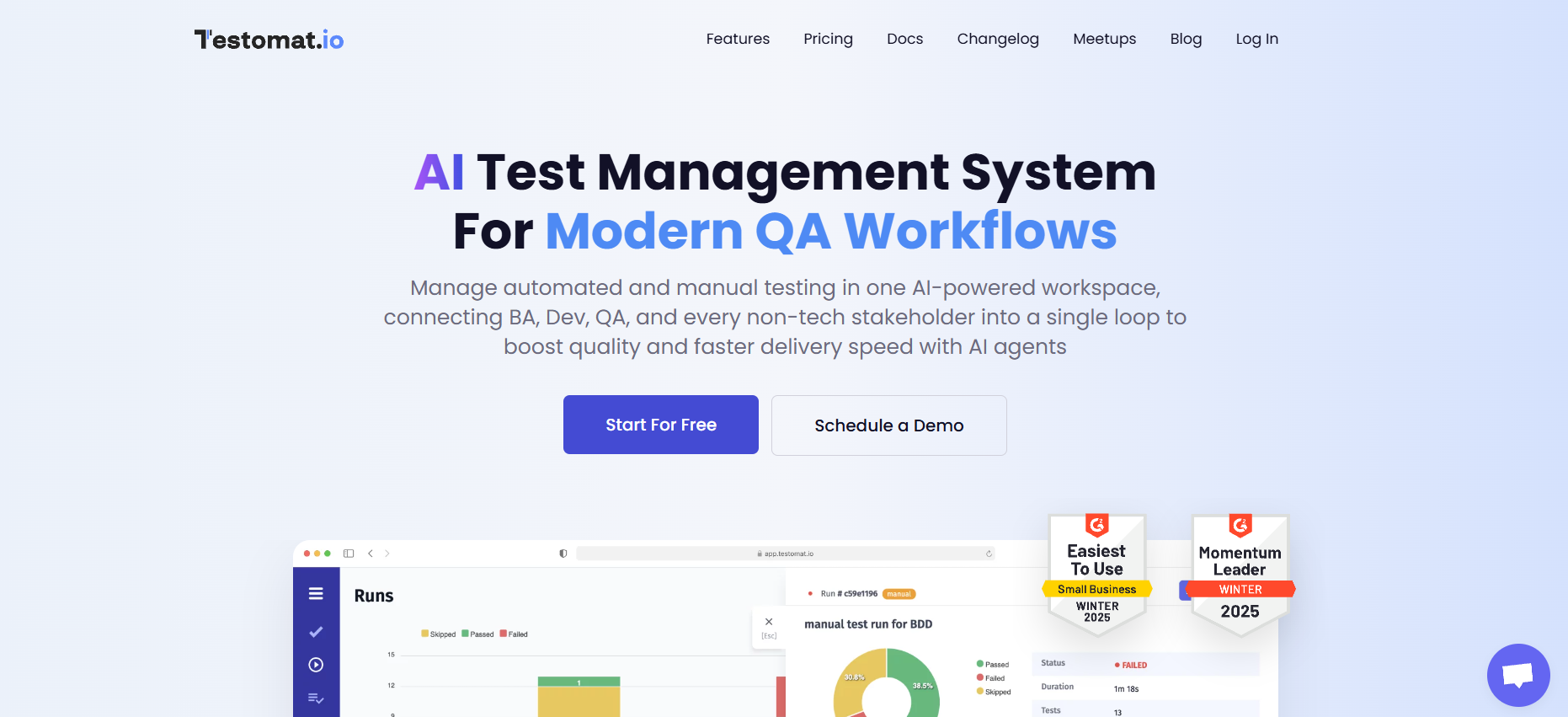
Key Features
- One-click stress testing switch (dial 100 → 10 000 random events)
- Chaos-run scheduler that fires after each merge or nightly build
- Android Studio plug-in piping crash logs right into the IDE
- Random-actions heatmap pinpointing hot failure zones
- Auto-generated test suites from Recorded User Paths
- Built-in performance testing graphs beside pass/fail trends
- Slack / Jira webhooks for real-time alerts
Pros
- Native CI/CD hooks for GitHub, GitLab, CircleCI, Jenkins, Azure
- Lightning-fast test case import from CSV, XML, or API
- Color-coded regression testing dashboard per sprint
- Smart heuristics flagging flaky sequences, not just single taps
- Unlimited projects even on the starter tier
- Granular role permissions for QA teams & dev squads
- Friendly REST API for custom chaos scripts
Cons
- Cloud-only; no on-prem install yet
- Deep-dive analytics locked to Pro and higher plans
Pricing
Starter is free for up to three users. Pro kicks in at $30 per user/month, while Enterprise runs on a custom quote with priority support.
2. aqua cloud

Key Features
- Visual chaos-flow builder (drag-and-drop random events)
- Fuzz-data generator with entropy presets
- Real-time traceability matrix linking bugs → requirements
- On-prem or SaaS deployment with ISO-27001 guardrails
- Built-in SLA dashboard for performance testing SLA breaches
Pros
- Seamless Jira / Azure DevOps sync for defects
- One-click rollback to last green build after failed chaos run
- Granular history diff showing which code changes broke what
- Auto-tagged screenshots for faster triage by QA teams
- Slick REST API for custom chaos triggers in any language
Cons
- UI feels heavy on smaller screens
- Fuzz generator hits a hard 50K event cap on mid-tier plan
- Learning curve: traceability matrix needs upfront setup
Pricing
Team plan starts at $35 per user/month (billed annually). Business bumps storage and event caps to $49 per user/month, while Enterprise quotes are custom and unlock unlimited random-event streams plus 24/7 support.
3. Qase

Key Features
- Toggle-on monkey runner that injects random taps, swipes, and shakes
- Mobile SDK pushing crash logs straight into the test run timeline
- Pipeline widget for GitHub Actions & GitLab CI alerts
- Built-in severity matrix auto-marking critical issues during chaos bursts
- One-click export of pass/fail stats to CSV, JSON, or BigQuery
Pros
- Super-clean dashboard—new hires grok it in an hour
- Fast bulk-edit for thousands of cases before a regression sweep
- Real-time sync with Jira, Trello, ClickUp, and Asana
- Smart diff view shows which code changes broke which scenario
- Free tier supports unlimited public projects—great for OSS apps
Cons
- No on-prem install; cloud only
- Android monkey runner tops out at 5 K events on mid tier
- Lacks built-in performance graphs—needs Grafana plug-in
Pricing
Starter is free for three users. Growth plan lands at $22 per user/month, and Business bumps the chaos-event cap plus priority support for $38 per user/month. Enterprise negotiates custom volume discounts and SSO.
4. TestRail

Key Features
- Chaos plug-in pipes MonkeyRunner logs into run history
- REST API posts load-test metrics for trend charts
- Custom fields for event count, memory delta, crash hash
- Inline diff highlights assertion drift between builds
- Scheduled PDF exporter for exec-friendly status decks
Pros
- Mature permission model with project/branch isolation
- Blazing-fast bulk edit on massive case banks
- “Quick Tests” button replays any failed random sequence
- Tight CI hooks: Jenkins, CircleCI, TeamCity, Azure
- Rich canned reports—no extra BI suite needed
Cons
- Chaos helpers are third-party add-ons, not native
- UI feels dated next to slicker SaaS newcomers
- Per-user pricing stacks up fast for large squads
Pricing
Cloud seats start at $39 per user/month billed annually. Self-hosted licenses run $416 per user/year upfront, with volume discounts above 20 seats.
5. Zephyr Scale
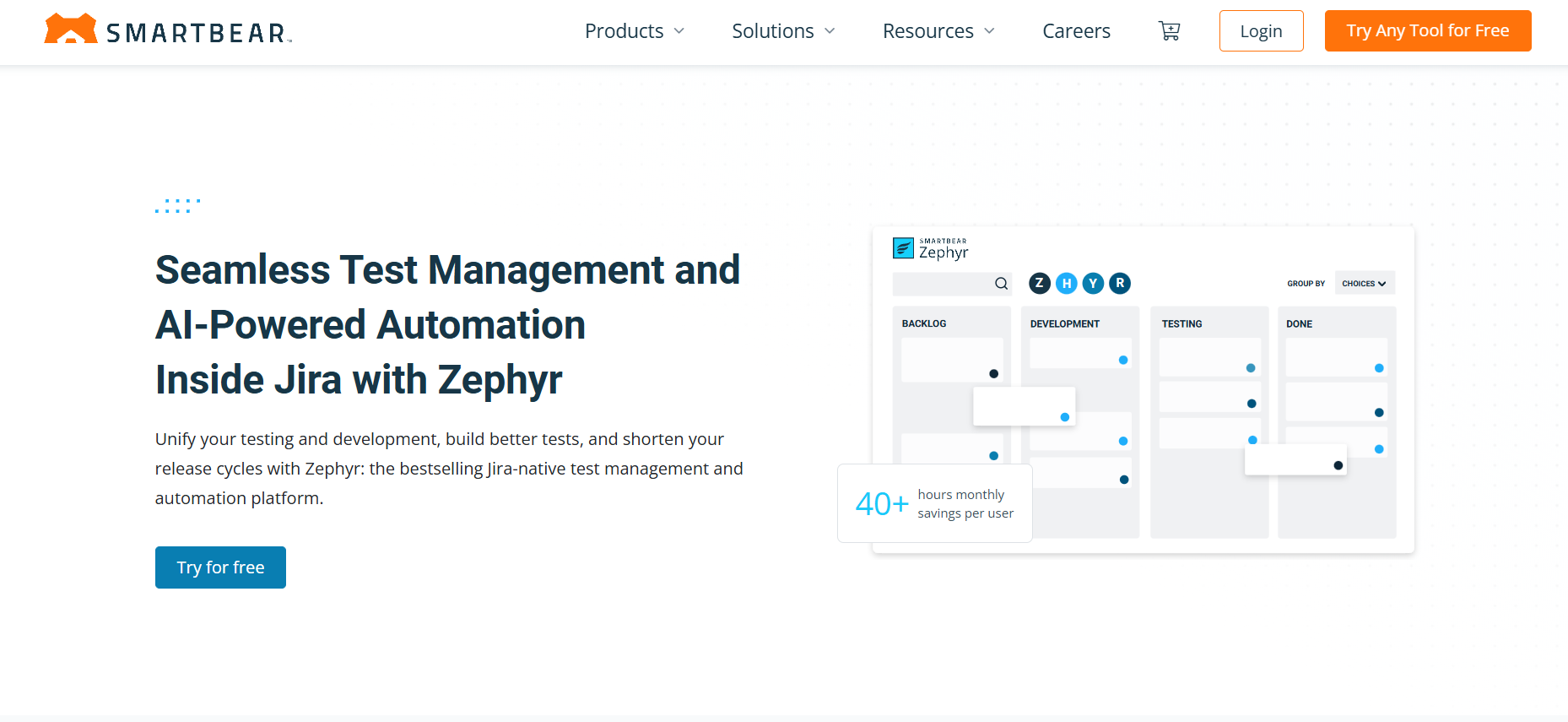
Key Features
- Jira-native test library with chaos-step templates
- Random-action generator supporting web, API, and mobile targets
- Trace matrix auto-binding defects to stories & pull requests
- Timebox throttle (stop chaos after X minutes or Y events)
- Trend gadget showing pass rate vs. lines of changed code
Pros
- Zero context-switch for teams already living in Jira
- Bulk cloning makes new suites from existing scripted ones in seconds
- Custom fields track memory spike, CPU load, and crash hash per run
- Smart tag filters isolate dumb vs. smart chaos flows for reports
- REST API pushes results to Grafana or DataDog dashboards
Cons
- Jira requirement means no standalone use case
- Random-action generator capped at 2 K events on Standard tier
- Complex permission setup if multiple projects share chaos templates
Pricing
Zephyr Scale is a Jira Marketplace add-on:
- Standard – $10 per user/month (annual billing) up to 100 users
- Premium – sliding scale starting at $7 per user/month, unlocks 10 K-event chaos cap, SAML SSO
- Enterprise pricing on request, with unlimited events and 24/7 support.
6. PractiTest
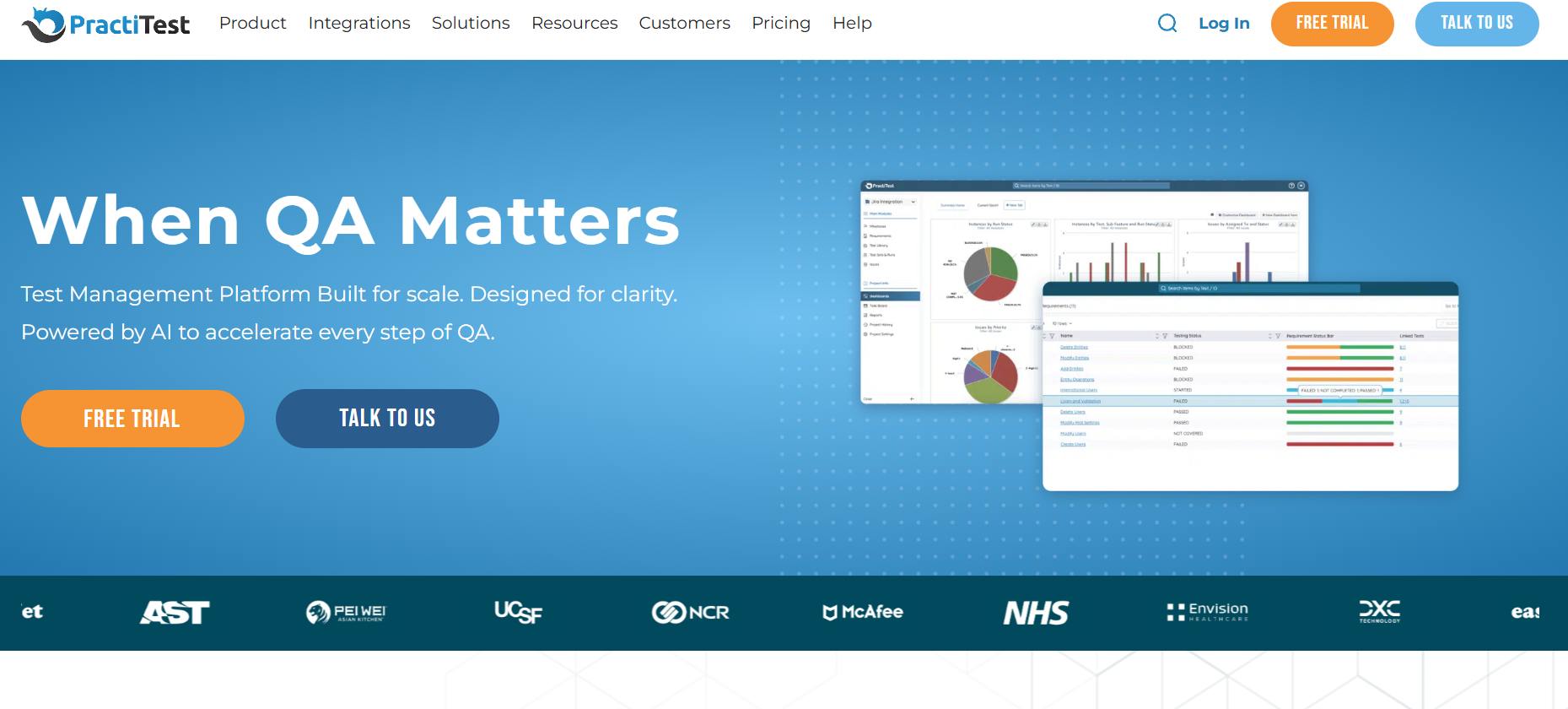
Key Features
- One-tap adhoc-chaos launcher inside any test cycle
- Smart filter that flags likely false-positive crashes automatically
- Root-cause explorer linking critical issues to commit IDs
- Cross-project analytics for trends across web + mobile suites
- Native BI integration pushing data to Power BI & Looker
Pros
- Polished UI—new testers get productive in minutes
- Reusable test components slash copy-paste overhead
- Real-time Jira, Azure DevOps, and Slack sync for hot failures
- Granular dashboards showing pass rate vs. adhoc chaos bursts
- SOC 2-Type II cloud hosting for strict compliance teams
Cons
- No on-prem option for air-gapped orgs
- Monkey event cap (2 K per run) on Professional tier
- Custom fields limited to 20 unless you’re Enterprise
Pricing
- Professional: $29 per user/month (annual), caps chaos events at 2 K
- Enterprise: custom quote—unlimited events, SSO, premium support.
How to Choose the Right Chaos-Monkey Stack
- Integration depth – Does the tool plug into your software development pipeline end-to-end? Check for native GitHub/GitLab actions, ticket syncs, and alert webhooks so chaos fits the development process instead of living off to the side.
- Number of events – Bigger “banana bombs” ≠ better. Gauge how many random hits you need (1 K? 10 K?) to mimic real-world traffic without melting staging.
- Early-stage coverage – A-grade stacks let you fire random storms on feature branches, catching bugs before they snowball into prod.
- Test-results analytics – Look for heatmaps, time-series crash graphs, and drill-downs that turn raw noise into decision fuel. No insights = no value.
- QA team skill – If your crew loves point-and-click testing methods, choose slick UIs. Heavy script hackers? Grab an API-first platform.
- Domain knowledge hooks – Banking app? Medical device? You’ll need chaos filters that respect regulatory edge cases and specialized testing methods.
Why Testomat.io Tops the List
Testomat.io nails every checkbox: native CI hooks, 10 K-event chaos bursts, branch-level runs, and a dashboard that turns monkey mayhem into crystal-clear heatmaps. It’s newbie-friendly yet API-rich, so both manual testers and script ninjas feel at home—making it the no-brainer #1 pick for teams who want fire-and-forget chaos without sacrificing insight.
Bottom line
Chaos-ready QA slashes those “why did it crash at 2 a.m.?” moments and keeps releases humming. Fire up one of these monkey test management tools—or better yet, spin up a free Testomat.io playground—and let the monkeys loose before your users ever see a glitch.
FAQ
What is the monkey testing software testing technique? It’s a no-rules smack-down where a script fires random inputs to mimic unpredictable user behavior and see what blows up.
What is monkey testing in software testing?
Full rundown lives in our primer on brilliant monkey testing - peek there for history, setup tips, and sample commands.
What is the difference between monkey and gorilla testing?
Monkey = wide spray of chaos across the whole app; gorilla = laser-focused pounding on one feature. Think “types of monkey testing” spread vs. single-area endurance.
How does a monkey tool help mobile testing?
It slams your phone build with touch swipes and sensor shakes, logging every random event and flagging application crashes before users leave one-star reviews.
What is the best monkey testing tool?
Testomat.io tops the list—it drops chaos runs right inside CI pipelines, maps failures to commits, and ships with a free playground to unleash your inner primate.

Felix Rose-Collins
Ranktracker's CEO/CMO & Co-founderFelix Rose-Collins is the Co-founder and CEO/CMO of Ranktracker. With over 15 years of SEO experience, he has single-handedly scaled the Ranktracker site to over 500,000 monthly visits, with 390,000 of these stemming from organic searches each month.