

Best Excel Alternative for SEO Professionals in 2025: Why WPS Spreadsheet Is the Smart Choice
Intro
In 2025, SEO professionals need to manage huge amounts of data: keywords, backlinks, audit results, content plans, rank tracking, and client reports. Traditionally, Microsoft Excel was the go-to tool for this.
But today, downloading Excel comes with baggage—subscriptions, login restrictions, limited mobile access, and rising costs.
That’s why SEO freelancers, agencies, and digital marketers are switching to WPS Spreadsheet—a free, Excel-compatible tool built for performance and simplicity.
Whether you’re managing 10 clients or launching your first keyword campaign, WPS makes SEO reporting fast, flexible, and budget-friendly.
The Problem with Excel for SEO Workflows
Let’s be honest—Excel is powerful, but for most SEO professionals, it’s overkill. Here’s why it no longer works for everyone:
- Subscription Costs: You need Microsoft 365, even for basic use.
- Mobile Restrictions: You can’t edit freely unless logged in.
- Cloud Dependency: Sync errors are common.
- Overloaded Features: 90% of tools go unused in SEO tasks.
If your SEO workflow includes tracking rankings, building content calendars, analyzing backlinks, and sending reports to clients, Excel can slow you down—or cost too much.
What Is WPS Spreadsheet?
WPS Spreadsheet is part of the free WPS Office suite—a lightweight, all-in-one alternative to Microsoft Office. It supports .xls, .xlsx, and .csv files, with full Excel compatibility for charts, pivot tables, and formulas.
Best of all, **it’s free **and built for modern users—especially marketers and SEO teams who need tools that just work.
Download WPS Spreadsheet Free
Why WPS Spreadsheet Works for SEO Experts
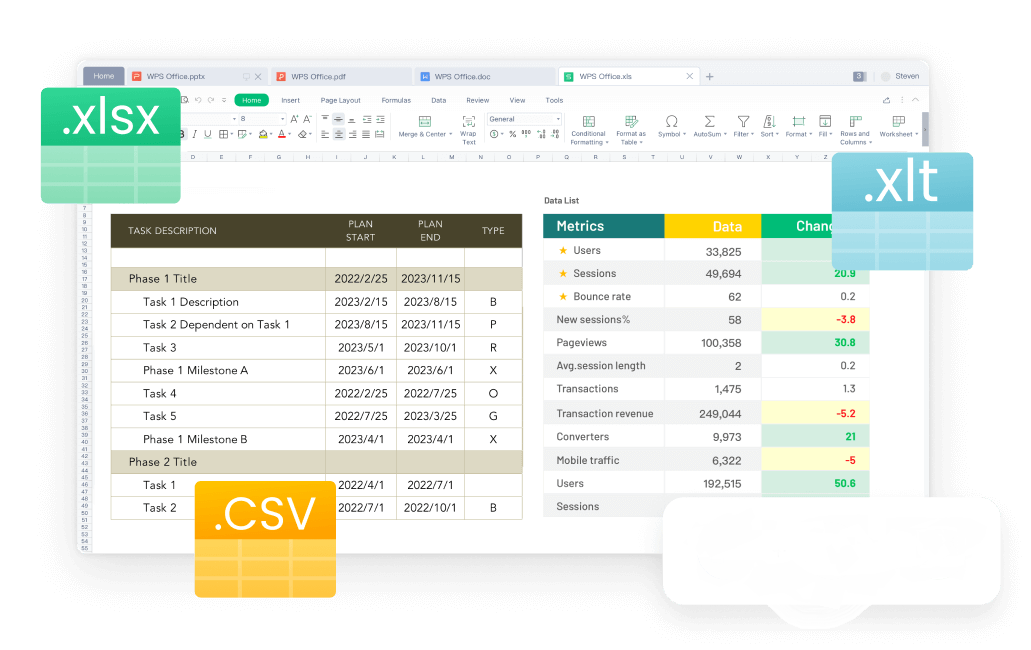
The All-in-One Platform for Effective SEO
Here’s why SEO professionals are calling WPS a game-changer:
** 1. Pre-Built Templates for SEO Tracking**
WPS offers dozens of built-in templates, including
- Keyword ranking tracker
- Backlink audit log
- Monthly SEO client report
- Content calendar and planner
- Blog post checklist
- Google Search Console export formatter
No need to build spreadsheets from scratch—just plug and play.
** 2. Free AI Tools for Data Cleaning**
Clean up messy keyword exports, organize competitor lists, and generate summary insights using WPS’s built-in AI tools—no extra subscriptions required.
3. Mobile Editing Without Barriers
Whether you’re checking client rankings from your phone or updating a report while traveling, WPS mobile lets you edit and export spreadsheets without login prompts or tool restrictions.
** 4. Built-in PDF Export for Clients**
Create professional reports and export them as PDFs directly—perfect for sharing clean, branded reports with clients.
** 5. Collaboration Without the Cloud Hassle**
You can sync via WPS Cloud or other services—but you’re not forced into OneDrive or Outlook. That means fewer roadblocks and more freedom to work your way.
Real Use Case: The SEO Consultant Who Left Excel Behind
Meet Ayesha, an SEO freelancer managing five client websites. She used to rely on Excel for:
- Weekly keyword rank checks
- Monthly client reports
- Blog content tracking
- Backlink audits from Ahrefs and SEMrush
But the cost of Microsoft 365—and constant syncing issues—pushed her to look elsewhere.
Since switching to WPS Spreadsheet, Ayesha:
- Imports keyword data from Google Sheets & GSC
- Uses the free monthly report template to save hours
- Shares PDF reports with clients in one click
- Tracks her content calendar on mobile, even offline
Result: She saved money and works more efficiently—without missing Excel at all.
Excel vs WPS for SEO Workflows – 2025 Comparison
| Feature | Excel (2025) | WPS Spreadsheet |
| Cost | Subscription required | Free forever |
| SEO Templates | Limited | Dozens built-in |
| AI for Data Cleanup | Available for Copilot users | Built-in and free |
| Mobile Editing | Login required | Fully open |
| PDF Report Export | Yes | Yes (free) |
| File Compatibility | Full | Full |
| Cloud Integration | Microsoft OneDrive only | WPS Cloud + others |
SEO Tasks Made Easier with WPS Templates
If you're looking for an Excel download that includes pre-built SEO templates, WPS offers free access to tools like keyword trackers, content calendars, and audit logs.
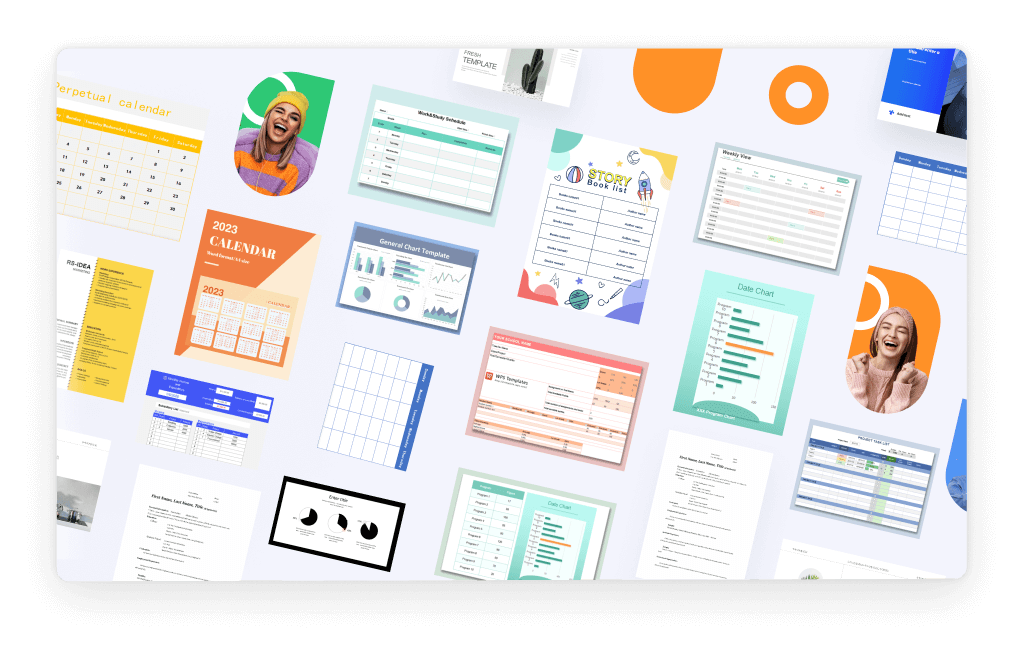
WPS Spreadsheet includes powerful, pre-designed templates for SEO use:
- **Keyword Ranking Tracker—**Monitor position changes over time
- **Monthly SEO Report—**Summarize clicks, rankings, and impressions
- **Content Calendar—**Plan posts and assign publish dates
- **Backlink Tracker—**Record link sources and status
- **Client Performance Summary—**Visual charts for quick reviews
Templates are updated regularly and designed with real-world SEO workflows in mind.
Bonus: WPS Helps SEO Beginners Too
If you're just learning SEO or managing a personal blog, WPS is ideal:
- Simple interface for non-technical users
- Free learning resources and templates
- No subscription wall blocking essential features
- Practice data analysis and reports without cost
Final Thoughts: Stop Downloading Excel for SEO—Start Working Smarter
In 2025, most SEO professionals don’t need the weight of Microsoft Excel—they need a smart, free tool that supports real SEO work. That tool is WPS Spreadsheet.
Whether you're tracking 1,000 keywords or planning blog content, WPS gives you
- Free access to critical SEO spreadsheet tools
- Templates that save hours
- Full compatibility with Excel files
- Clean PDF exports for client sharing
- Mobile access with no restrictions

Felix Rose-Collins
Ranktracker's CEO/CMO & Co-founderFelix Rose-Collins is the Co-founder and CEO/CMO of Ranktracker. With over 15 years of SEO experience, he has single-handedly scaled the Ranktracker site to over 500,000 monthly visits, with 390,000 of these stemming from organic searches each month.